Changelog
What changed in each version of CodeSplash Analytics, newest first. The same notes are on codesplash.ai, and the RSS feed brings each new version to your reader.
Mac only for now. Requires Apple Silicon (M1 or later) and macOS 14 or later.
30 days free. No card. Confirm your email in the app to start.
Version 0.9.5
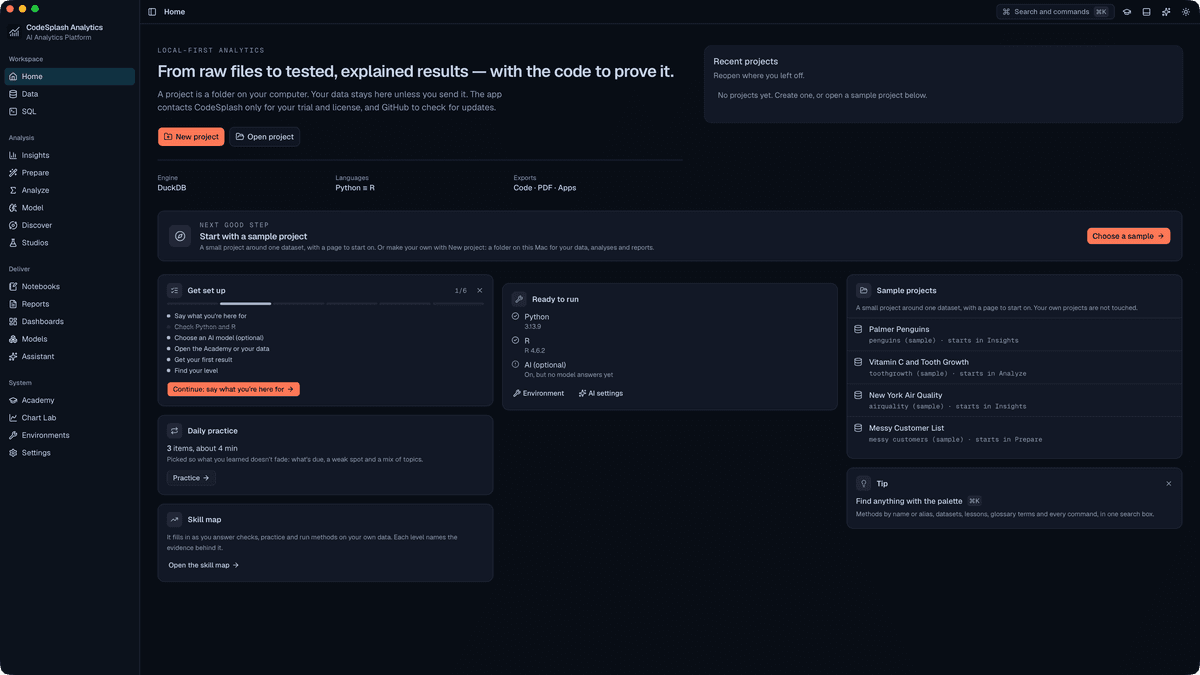
CodeSplash Analytics 0.9.5 is a small maintenance release. It does not add a clearly documented new analysis or reporting feature; the main work in this patch improves how the team captures real screenshots from the desktop app for release materials and validates those capture steps more reliably.
- A lightweight patch release with no clearly documented new end-user workflow
- Broader native capture coverage for existing app areas including notebooks, reports, dashboards, Academy, and Settings
- More reliable validation for release capture steps that depend on tab or toggle labels with conditional badges
- Version metadata advanced to 0.9.5 across the desktop app and workspace packages
Improved
- Expanded native marketing capture coverage for existing desktop views, including analysis notebooks, report templates, warehouse connection dialogs, sample dashboards, Academy, and Settings.
- Updated release packaging metadata to version 0.9.5 across the desktop app and related workspace packages.
Fixed
- Improved release-capture test handling for some tab and toggle labels, reducing false failures when labels are followed by conditional UI badges.
Version 0.9.4
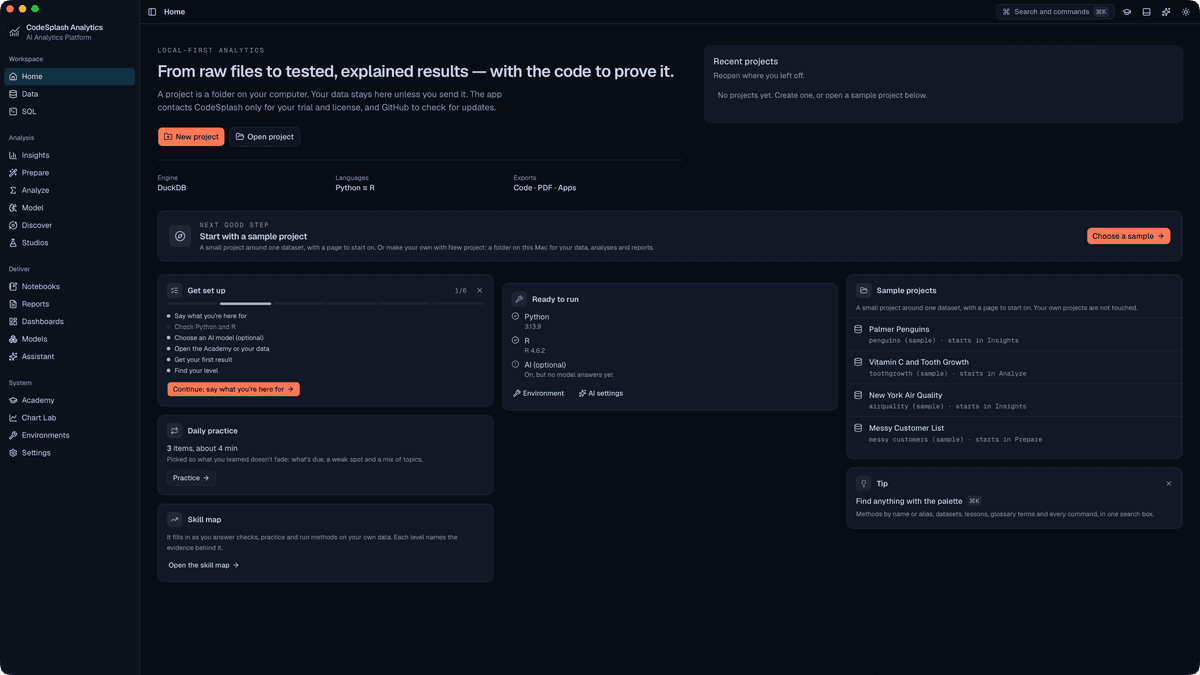
CodeSplash Analytics 0.9.4 is a small desktop polish release focused on the Settings screen. Updates, License, and About now keep a cleaner card layout, and the CodeSplash links card stays on its own full row instead of landing beside other cards in some builds. This release also adds test coverage for the updated layout.
- Settings now keeps Updates, License, and About in a cleaner, more consistent card grid
- The CodeSplash links card now stays on its own full row in Settings
- Settings layout is more predictable in builds where license-related content is present or absent
- Regression tests were added for the updated Settings layout
Improved
- Grouped Updates, License, and About into a consistent grid layout in Settings.
- Made the bottom of Settings easier to scan by keeping the CodeSplash links section on a dedicated full-width row.
- Added browser and component test coverage for the Settings layout changes.
Fixed
- Fixed awkward Settings layouts where the About card could stretch across the page depending on which cards were present.
- Fixed the CodeSplash links card so it no longer shares a row with nearby Settings cards in released builds.
Version 0.9.3
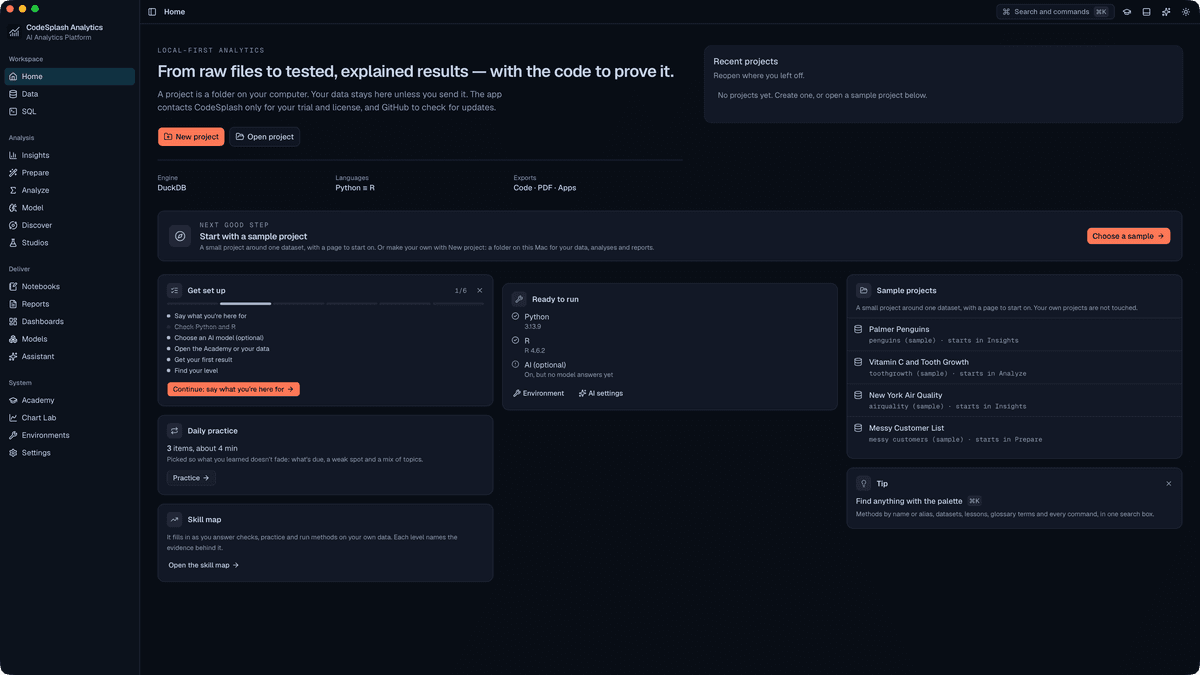
CodeSplash Analytics 0.9.3 expands the desktop app's connection options with a broad wave of new warehouse and cloud data connector work, led by new Apache Iceberg catalog presets in the connection dialog. This release also adds the Ocean & Heat appearance theme in dark and light variants and makes dialogs and sheets scale better on larger screens.
- New desktop connector flows for more warehouse and cloud data systems
- New Apache Iceberg connector presets for REST, Unity, BigLake, Glue, S3 Tables, and OneLake catalogs
- Ocean & Heat arrives in Analytics with Ocean & Heat Dark and Ocean & Heat Light
- Appearance settings now separate theme and mode choices
- Dialogs and sheets use more of the window on larger displays
New
- Added broader cloud warehouse and data connector support in the desktop app, expanding the list of external systems you can connect and query from Analytics.
- Added a new Apache Iceberg connector with presets for REST catalogs, Databricks Unity Catalog, Google BigLake metastore, AWS Glue, Amazon S3 Tables, and Microsoft OneLake.
- Added the CodeSplash Ocean & Heat appearance theme to Analytics, including Ocean & Heat Dark and Ocean & Heat Light.
Improved
- Updated the connection dialog and shared warehouse connector forms to support more connector-specific setup flows.
- Updated appearance settings so theme selection and dark/light mode are separate choices.
- Expanded connector coverage and testing across warehouse, NoSQL, search, and vector data systems.
Fixed
- Improved dialog and sheet sizing so large forms, tables, pickers, and previews fit better on larger desktop windows.
Version 0.9.2
CodeSplash Analytics 0.9.2 is available for Mac from analytics.codesplash.ai, with a 30-day free trial and no card.
- Import a file or connect a database, and Insights profiles it and ranks what needs attention.
- 286 methods with effect sizes, assumption checks, and APA-style write-ups. 284 run in both Python and R.
- ML experiments on shared folds with tuning, a leaderboard, explanations, forecasting, and a model registry.
- Analysis packages with the scripts, pinned environments, data snapshot, and a verify script that reruns everything without the app.
- The Academy: 518 lessons, 4,719 quiz items, walkthroughs on the real controls, and a guide page for every test.
New
- Projects as folders on your Mac, with CSV, Excel, Parquet, JSON, SPSS, Stata, and SAS import and Postgres, MySQL, SQLite, DuckDB, and S3 connections.
- Insights profiling with ranked findings, views for each role, and a dataset card.
- Prepare recipes compiled to DuckDB SQL, pandas, and dplyr, with before and after previews.
- Analyze with a test chooser, a decision-tree Navigator, result cards, and a check against the other engine.
- Studios for causal inference, experiments, quality and designed experiments, scenarios, fairness, meta-analysis, spatial analysis, and time series.
- Chart Lab with 293 recipes in 21 families, plus reports, dashboards, and Python, R, and SQL notebooks.
- Optional AI with your own provider keys or local models, privacy modes, budgets, and an Agent mode that asks before it runs.
- A six-step setup guide, sample projects, and Help, Report a Problem.
Improved
- Guided setup installs Python and R with your consent.
- Signed updates from GitHub, with what's new shown after each update.
Fixed
- License activation and check-in fixes.